IMAGE REDACTION
Apply permanent manual redactions
Cover faces, plates, IDs, screenshots, or private text with a solid block, strong pixelation, or true blur; then verify the flattened export.
Image Redaction (Local)
Draw boxes with a solid block, pixelation, or permanent blur. Export runs locally, reopens the JPEG, and verifies that EXIF, GPS, XMP, and IPTC are absent.
Shortcuts:Space = cycle solid/pixelate/blurDelete = undo
No file chosen
Useful for
- Hiding private details in screenshots
- Covering plates, IDs, signatures, or account numbers
- Reviewing every image in a batch before ZIP export
Limits and failures
- V1.0 does not automatically detect sensitive regions.
- Weak blur or small boxes can leave context readable; inspect at 100% zoom.
- HEIC should be converted before the final metadata review.
Inspect the input and output
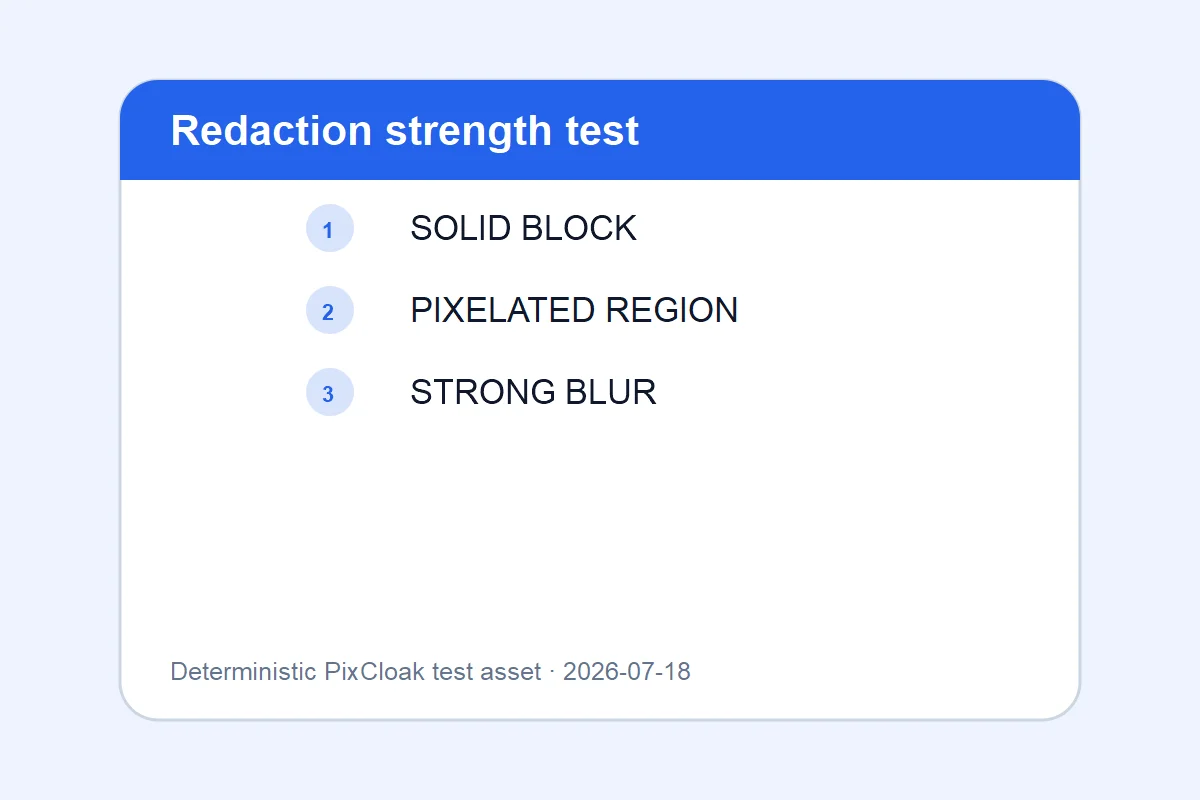
1200×800 · 21.96KB · download
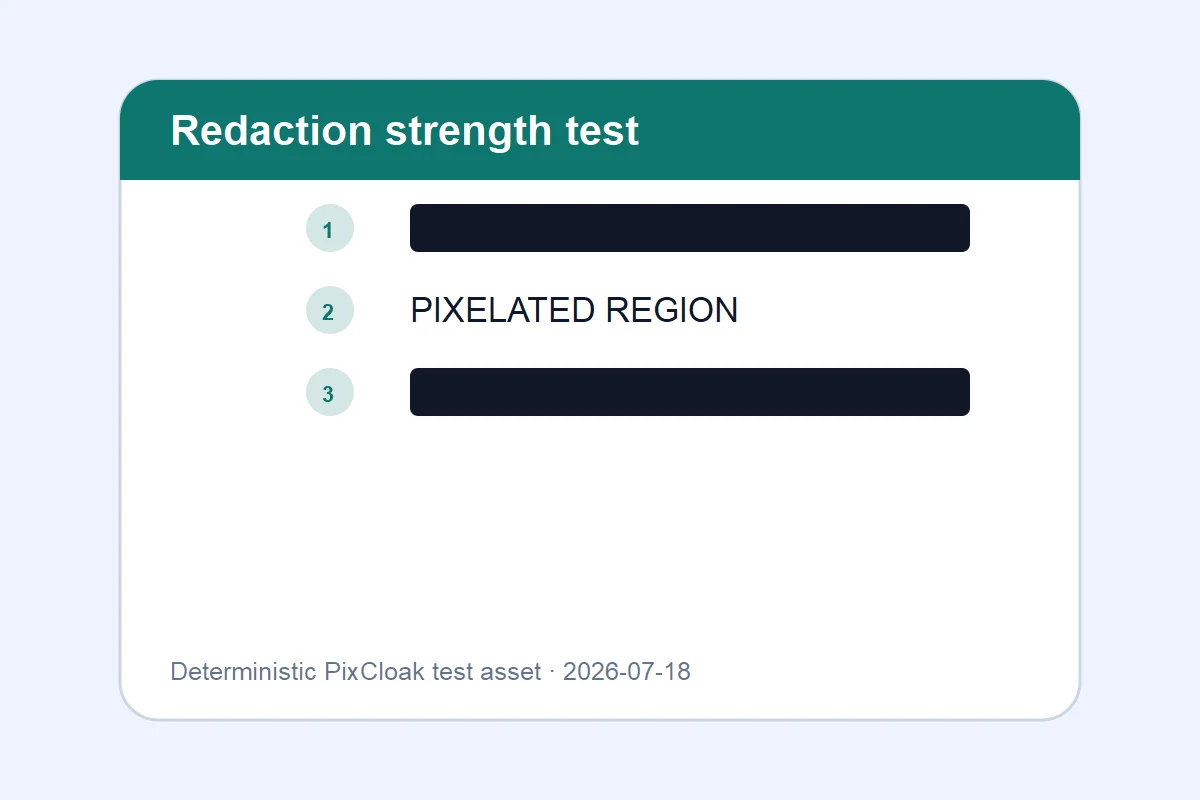
1200×800 · 17.98KB · download
Observed result
The result demonstrates three flattened treatments; solid coverage is the conservative option.
Both downloadable WebP files are generated from deterministic SVG test inputs; their hashes and dimensions are verified.Common questions
Is blur permanent in the downloaded file?
Yes. Solid, pixelated, and blurred regions are drawn into a new canvas and encoded into the exported JPEG pixels.
Does V1.0 find faces or plates automatically?
No. Every image requires manual review. Local automatic face, plate, text, and QR detection is reserved for V1.1.
Is metadata removed too?
The JPEG export is scanned again for supported EXIF, GPS, XMP, and IPTC markers before it is offered as verified.